
Kwikset Halo Help
Kwikset Halo Smart Lock Installation & Help in Washington, DC
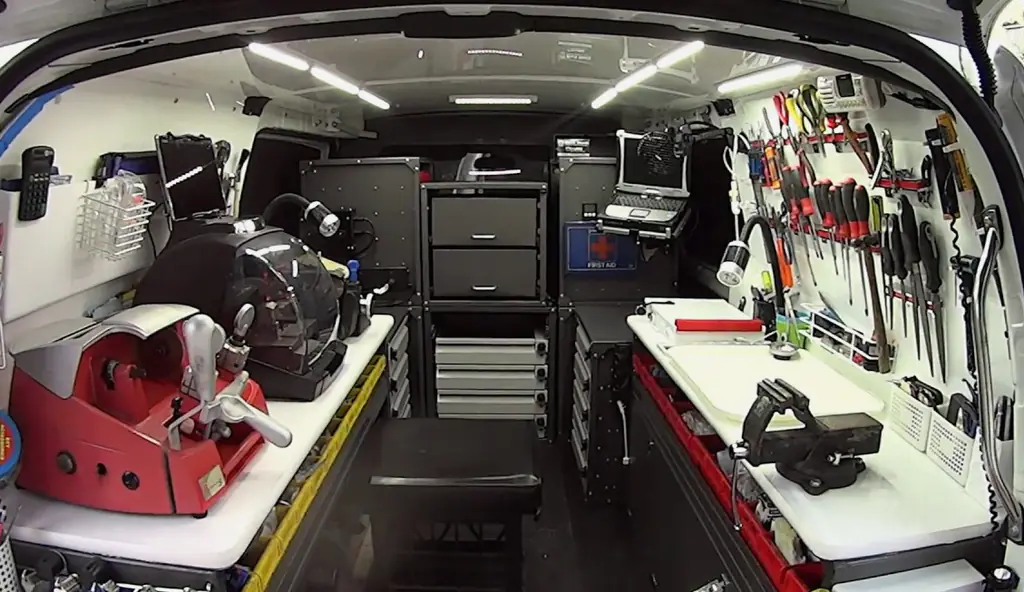
Call DC Locksmiths for Kwikset Halo installation when your smart deadbolt won’t fit, connect, or respond. We come to your Washington, DC door to install, set up, rekey, or troubleshoot the lock.
- Mobile service—we come to you
- Open 24 hours a day, 7 days a week
- Typical arrival in 15–25 minutes
- Licensed and insured
Get a fast quote
How a Kwikset Halo Smart Lock Works
A Kwikset Halo is a smart deadbolt that uses a motor to extend or retract the bolt. Depending on the model, you can operate it through an app, enter a code on the keypad, or use a physical key. The lock runs on batteries, while its connected features rely on a working Wi-Fi connection and correct app setup.
The lock still needs a door and frame that let the bolt move freely. If the bolt rubs against the strike plate, the motor may strain or fail to lock fully. Our Kwikset locksmith service checks the door fit along with the lock’s installation and settings, so a setup issue isn’t mistaken for a faulty lock.
Kwikset Halo Installation and Service at Your Door
- Install and fit the lock — We check the door preparation, bolt movement, and strike plate alignment, then mount the Halo so the deadbolt can travel without binding.
- Set up app and keypad access — We help connect the lock and configure access for the model you have. We also check whether the lock responds correctly to its available controls.
- Troubleshoot a lock that won’t respond — We check battery condition, door alignment, lock operation, and connection or setup issues to narrow down why the Halo is not working.
- Rekey a compatible Halo — We can rekey a compatible lock to a different key, depending on its cylinder and your existing key. See our rekeying service for more information.
- Review related Kwikset options — If you are comparing lock styles, we also service the Kwikset keypad and Kwikset Obsidian product lines.
Need help now? (771) 244-2901
Common Kwikset Halo Problems and What They Can Mean
The keypad or app gets no response
Weak batteries, a connection problem, or incomplete setup can interrupt operation. Checking the batteries and whether the lock is connected helps identify which part needs attention.
The deadbolt sticks or stops partway
A bolt that catches can point to a door that has shifted or a strike plate that no longer lines up. Forcing repeated lock attempts can put extra strain on the motor.
Codes or app access do not work
A code may not have been saved as expected, or the app may not be communicating with the lock. The exact controls vary by Halo model, so check the model-specific setup instructions.
The lock disconnects from Wi-Fi
A lost connection can affect connected features without necessarily meaning the mechanical deadbolt has failed. Check the lock’s power and connection settings before treating it as a hardware problem.
Three Safe Checks Before Calling About Your Halo
- Check the batteries — Look for a low-battery warning and replace the batteries with the type specified in your Kwikset instructions. Confirm the battery contacts are seated as directed before testing the lock again.
- Test the door with it open — With the door open, try the lock using its normal controls. If it operates smoothly while open but binds when the door is shut, the door or strike plate may be out of alignment.
- Review the code and connection — Check that you are using the saved code and the correct app account, then verify the lock’s connection status. For a Kwikset Halo reset, follow the instructions for your exact model; a factory reset can erase user codes and settings.
Need help now? (771) 244-2901
Frequently asked questions
What should I do if my Kwikset Halo stops responding?
Check for a low-battery warning, then test the lock with the door open to see whether the bolt moves freely. If the keypad, app, or motor still does not respond, call us to check the lock’s power, alignment, and setup at your door.
Can a Kwikset Halo be fitted to my existing door?
It depends on the door’s preparation, thickness, and the space available for the deadbolt and strike plate. We inspect those points before installation so we can identify fit or alignment issues before mounting the lock.
What happens if the power or batteries run out?
A Halo’s motorized and connected functions need working batteries, so replace them when the lock signals that power is low. If your model has a keyed cylinder, its physical key may provide another way to operate the lock; check your model’s instructions for the correct backup method.
Can you rekey my Kwikset Halo to work with a different key?
A compatible Halo can be rekeyed, but the lock’s cylinder and your existing key determine what is possible. We check compatibility before doing the work, and the lock’s app or user codes are separate from its physical key.
How do I add a user or guest to my Kwikset Halo?
Use the app or keypad procedure specified for your exact Halo model to add an access code, then test that code while you are at the door. If the app does not save the user or the keypad rejects the code, we can check the setup and lock response.
Get Kwikset Halo Help at Your Door
Call DC Locksmiths for on-site installation, rekeying, or troubleshooting in Washington, DC. We come to you 24/7.